

Desktop panic button software vs fixed panic buttons.
Fixed panic buttons still suit some rooms and security systems. Desktop panic button software can be a practical fit when staff already work at computers, nearby colleagues are the first response and the team needs a workflow that is easy to test.
Choose based on reach, context and maintenance.
A fixed button is tactile, but it can be hard to move, hard to test discreetly and unclear to responders after it is pressed. Software panic buttons can show who needs help, where they are and who responded.
Deployment
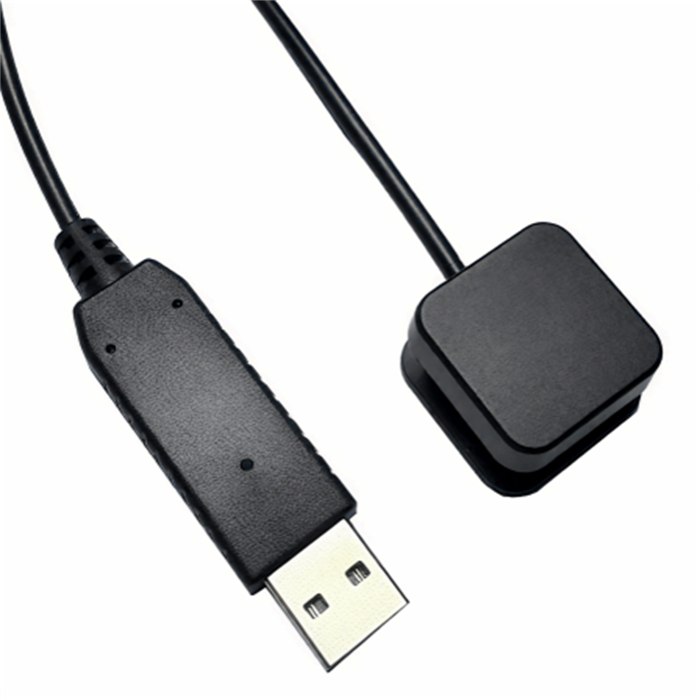
Software uses existing Windows and Mac computers instead of cabling every room. Optional physical buttons can be added from A$25 plus delivery where a tactile trigger helps.
Fail-safe triggers
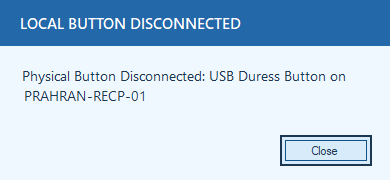
If a physical button is unplugged or faulty, staff can still use the screen button, tray action or hotkey.
Context
Alerts can carry workstation, user and location context where configured.
Visibility
Topmost pop-ups are harder to miss than email or a silent alarm path.
Evidence
Raise, response and reset records support review after an event.
Software depth
Not all desktop duress tools go beyond showing an alert. Check acknowledgement, reset, incident history, workstation identity, server policy and rollout controls.
Common evaluation questions.
Yes. Dedicated clinical, campus or security environments may still need specialist hardware systems, especially where staff are away from computers or need room-level/campus coverage.
Software is often better when staff work at computers, colleagues onsite can respond quickly and the organisation wants visible alerts, response acknowledgement and easier testing. Optional physical buttons can add tactile access without making the system hardware-dependent.
No. Some focus on a simple screen-wide alert. When comparing desktop duress software, check whether the product also manages acknowledgement, reset, incident history, client identity, local server behaviour, Mac/RDS support and reporting.
