

Panic button clients for Windows and Mac workstations.
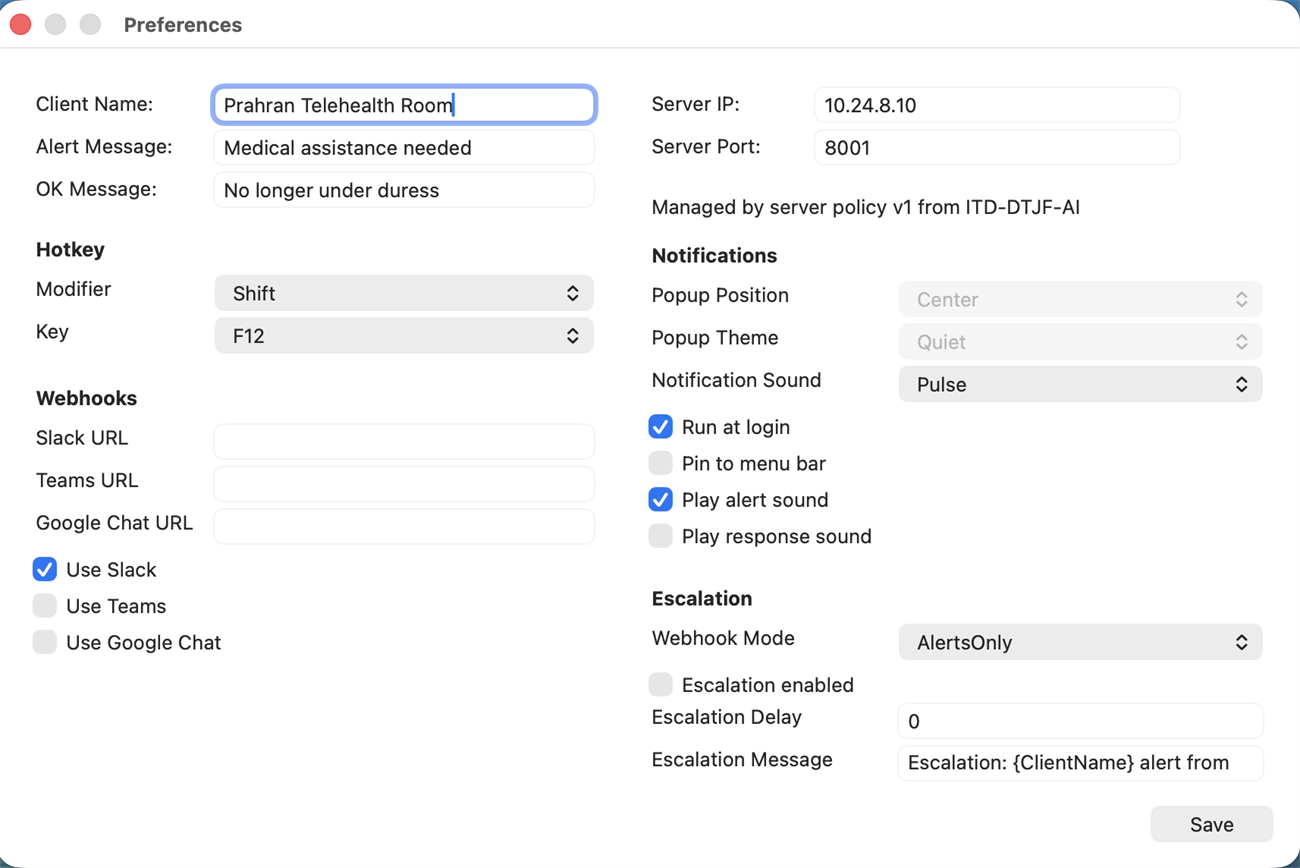
Duress Alert supports Windows and Mac desktop clients, giving staff a discreet on-screen trigger on the computers they already use.
The button belongs where staff already work.
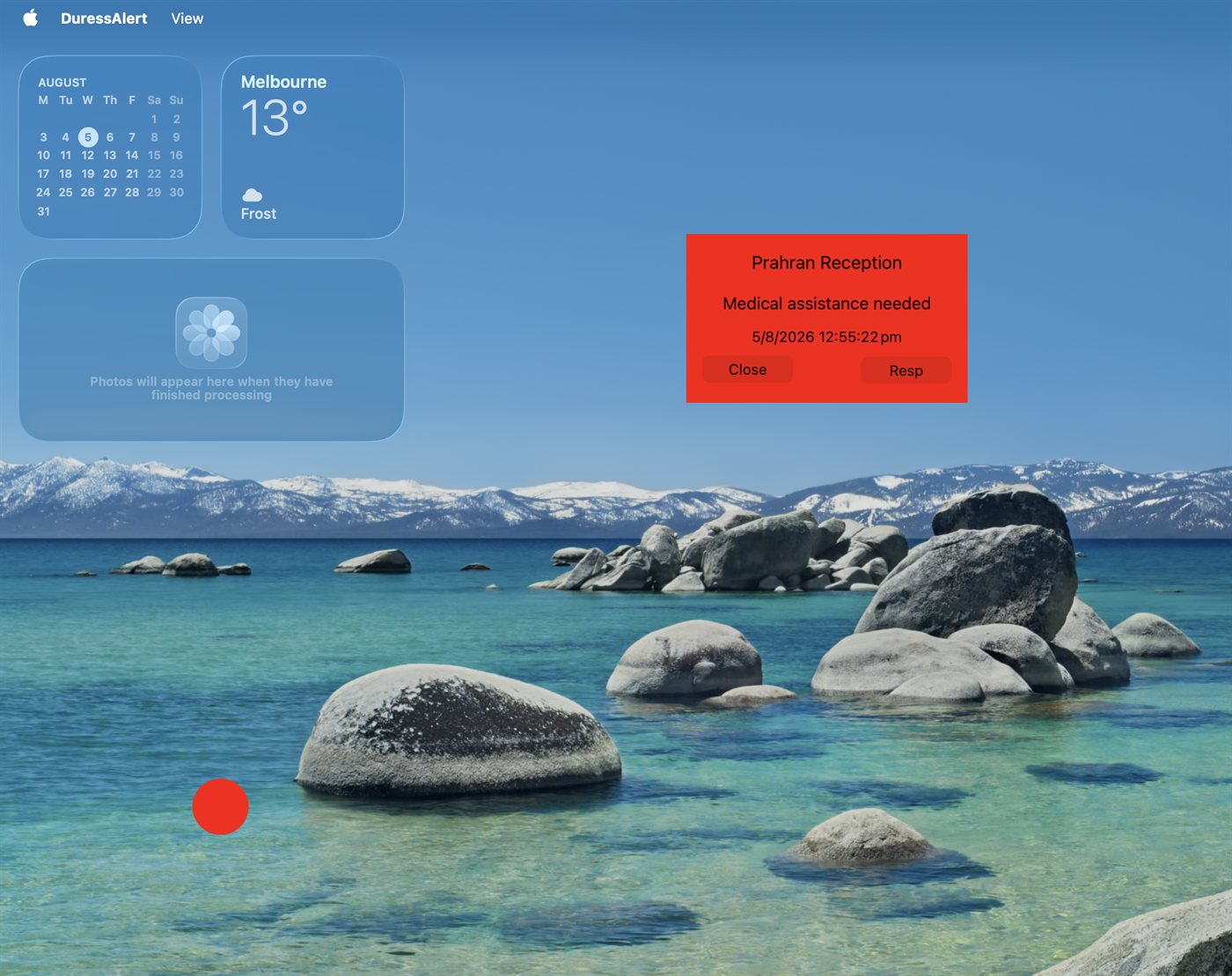
Staff get the safety trigger on the workstation they already use, with local alerts routed through the onsite server.
Windows client
Workstation, managed desktop and Windows/RDS rollout paths support larger environments.
Mac client
Mac clients are in use today for teams with Apple workstations and mixed fleets.
Hotkey and tray
Trigger paths support staff who need quick access without changing tasks.
Optional physical buttons
Physical buttons are available from A$25 plus delivery for desks that need a tactile trigger.
Policy
Server-managed policy helps keep rollout consistent across the fleet.
One staff safety workflow across Windows, Mac and terminal environments.
Healthcare, legal, community services and government teams often have mixed device fleets. Duress Alert keeps the staff workflow consistent while allowing rollout details to match the environment.
Windows desktops
A familiar desktop client, tray access and managed installation paths for standard workstations.
Mac workstations
Supported Mac client deployment for Apple workstations used by clinical, professional and support teams.
Terminal services
Windows/RDS packaging supports shared desktop and multi-user environments.
Identity context
Alert pop-ups can show configured room, PC, user and IP context so responders know where help is needed.
Fail-safe access
If a physical button is unplugged or faulty, staff still have the screen button, tray action and hotkey.
Common evaluation questions.
Yes. Mac is a working client and a supported desktop path.
Yes. Windows and Windows/RDS environments remain important for managed workplace rollouts.
